Running OpenClaw, Claude Code, Cline, and OpenCode Safely with Self-Hosted Models, Docker, and Access Control

Written by Henry Navarro
Introduction 🎯
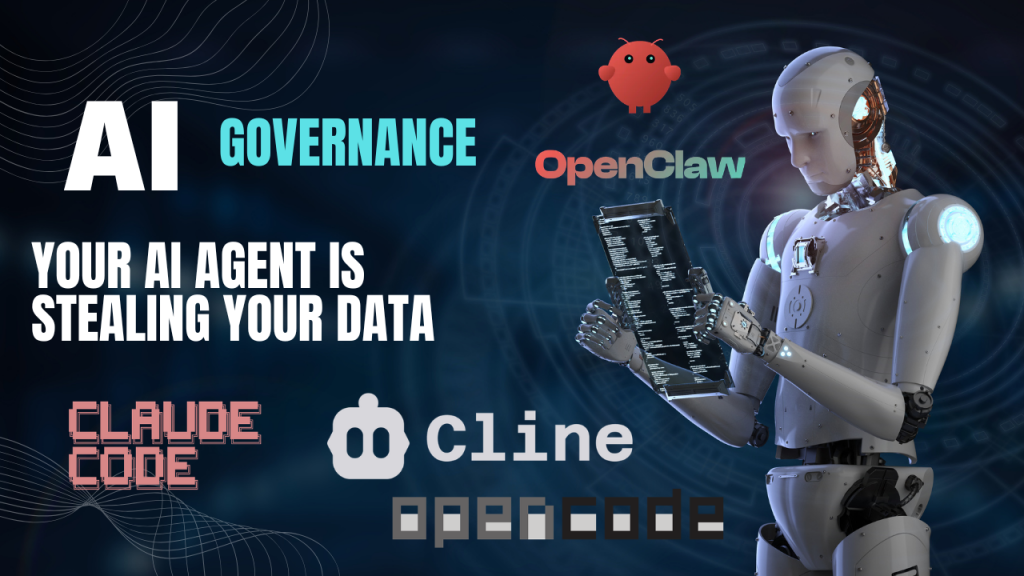
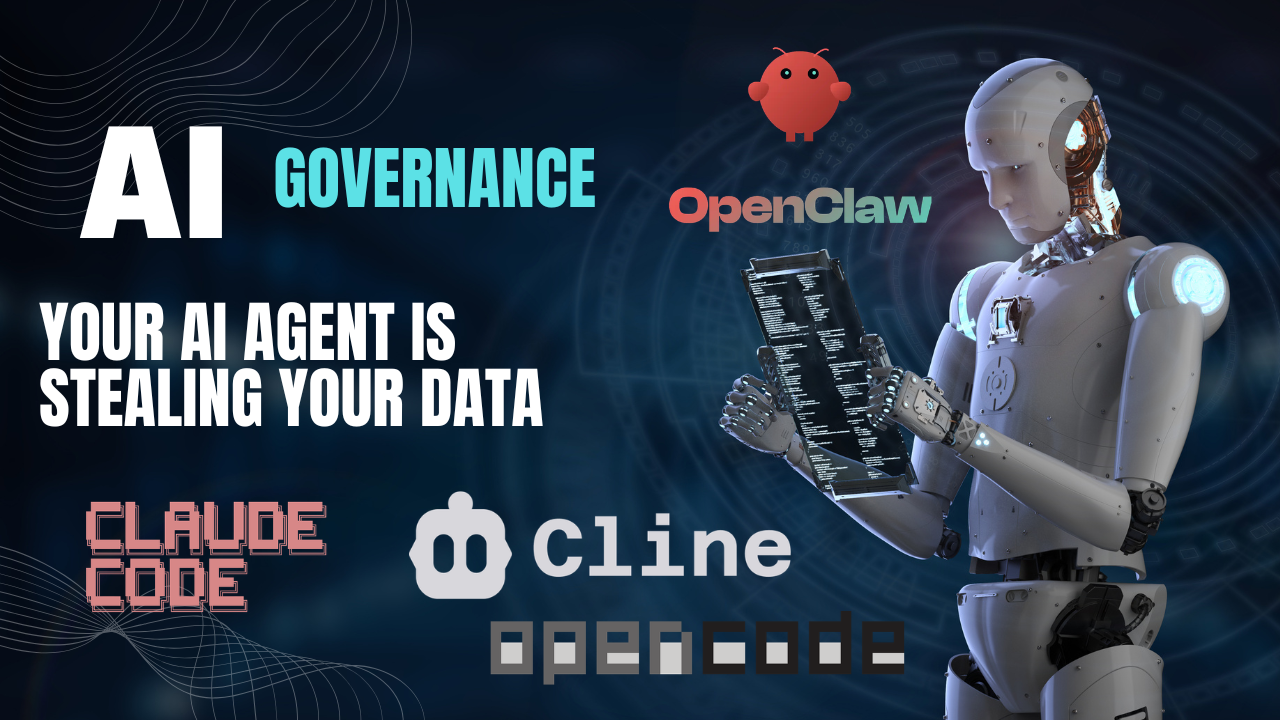
AI Governance has become critical since the release of AI agents like OpenClaw, Claude Code, Cline, and OpenCode. These powerful agents can control your entire computer, executing commands, accessing files, and potentially exposing sensitive company data to third-party AI providers. In this comprehensive guide, we’ll demonstrate how to implement AI Governance best practices to run these agents safely within your organization.
At NeuralNet Solutions, we specialize in helping companies implement AI Governance frameworks across their AI infrastructure. In this article, we explain the deployment process, security techniques, and practical implementations that ensure your organization maintains complete control over AI agents while protecting sensitive data.
Why AI Governance Matters 🏠
AI Governance offers several critical advantages over unrestricted AI agent deployment. When you give AI agents like OpenClaw or Claude Code full access to your computer, you’re essentially allowing them to read your photos, access company documents, view proprietary source code, and send all this information to external AI providers. This represents a massive security and privacy risk that AI Governance addresses directly.
Security is paramount as AI Governance prevents unauthorized access to sensitive company data. Privacy ensures that code and documents never leave your infrastructure.
Common enterprise challenges that AI Governance addresses include preventing data leaks to third-party AI providers, controlling AI agent access to sensitive folders, isolating AI operations from production systems, maintaining compliance with industry regulations, and monitoring AI agent behavior for security incidents.
Understanding AI Governance Fundamentals 🛠️
To implement effective AI Governance, you need to understand the key components. Modern AI agents like OpenClaw, Claude Code, Cline, and OpenCode require access to your file system, terminal commands, and potentially sensitive company information. Without proper AI Governance, these agents could inadvertently expose proprietary code, customer data, or confidential documents to third-party AI providers. The question isn’t whether to use these powerful tools, it’s how to use them safely.
The foundation of AI Governance rests on three essential pillars that work together to create a secure environment for AI agents. First, self-hosted models ensure that all AI inference happens on infrastructure you control, preventing data from traveling to external providers. Second, containerization with Docker isolates AI agents in secure environments where they can’t access your entire system. Third, access control limits AI agent permissions to specific directories, implementing the principle of least privilege.
The OpenAI Compatible API Standard
A crucial aspect of AI Governance is understanding the OpenAI Compatible API standard. Most AI providers, including OpenAI, Google, Anthropic (with adapters), and Groq, use this standardized protocol. This compatibility is what makes AI Governance practical, you can swap providers or run self-hosted alternatives without changing your application code. When you use Open WebUI with the OpenAI compatible API, AI agents like OpenCode can connect to your self-hosted infrastructure instead of sending data to external services.
Self-Hosted Models with Open WebUI 🤖
AI Governance begins with controlling where your AI inference happens. Open WebUI is an open-source platform that provides an intuitive interface for interacting with AI models while maintaining complete AI Governance over your data. The beauty of Open WebUI is that it exposes an OpenAI-compatible API, which means any AI agent that works with OpenAI can work with your self-hosted infrastructure.
Why Self-Hosted Models Matter for AI Governance
When you use commercial AI services like ChatGPT, Claude, or Gemini, your data travels to their servers. Every prompt, every file, every piece of code you share with AI agents gets sent to external providers. For companies implementing AI Governance, this creates unacceptable risks. Sensitive code and documents leave your infrastructure, potentially violating GDPR, HIPAA, or industry regulations. Proprietary information might be used to train third-party models. You become dependent on external service availability, and API usage fees can escalate rapidly.
AI Governance through self-hosted models eliminates these risks by keeping all inference local. When you run models like GLM-4.7 on your own GPU servers, you can watch the GPU utilization increase when making requests, visual proof that everything is running on your infrastructure. No data leaves your network, no external provider has access to your information, and you maintain complete control over the AI processing.
Deploying your AI fully private for AI Governance
If you want to implement AI Governance with Open WebUI, you have several options. We offer a free demo instance at chat.privategpt.es where you can test self-hosted models without any setup. This demo runs our Private GPT architecture, which we’ve designed specifically for companies that need AI Governance controls. You can register for free and try models like GLM-4.7-Flash to see how self-hosted AI performs.
For production AI Governance, you’ll need to deploy Open WebUI on your own infrastructure. The platform requires GPU servers to run modern language models efficiently. If you don’t have GPU infrastructure available, we’ve written extensively about different deployment options in our previous articles: Ollama vs Llama.cpp compares different inference frameworks, Llama 4 deployment shows how to deploy Meta’s latest models, VLM comparison explores vision-language models, and Ollama vs VLLM discusses performance optimization.

GPU Server Options for AI Governance
If you don’t have GPU infrastructure, AI Governance doesn’t require massive investment. We use Vast.ai, a decentralized GPU marketplace where you can rent GPU servers for as little as $0.10-$0.50 per hour. Vast.ai is not only where we rent GPUs for AI Governance deployments, but also where we offer our own GPU capacity. This decentralized approach gives you flexibility and cost control while maintaining the AI Governance principle of running on infrastructure you select and control.
Docker Isolation for AI Governance 🔒
The second pillar of AI Governance is containerization with Docker. Docker provides isolated environments that prevent AI agents from accessing your entire system, creating a security boundary between the agent and your host machine. Think of Docker as a virtual machine, but more lightweight and efficient. When implementing AI Governance with Docker, the AI agent runs inside a container with its own filesystem, and commands executed by the agent affect only the container, not your host system.
This isolation is crucial for AI Governance because even if an AI agent tries to access sensitive files, install malicious software, or execute dangerous commands, the impact is contained within the Docker container. The container can be destroyed and recreated instantly, and all actions are logged for auditing. This means you get the productivity benefits of AI agents without exposing your entire system to risk.
Implementing AI Governance with Docker and OpenCode
Among the various AI agents available, we chose OpenCode for our AI Governance implementation because it allows you to bring your own API key and configure your own base URL. This is exactly what we need for AI Governance, the ability to point the agent to our self-hosted Open WebUI instance instead of external AI providers. Other agents like OpenClaw, Claude Code, and Cline are excellent tools, but OpenCode‘s configuration flexibility makes it ideal for AI Governance scenarios.
Create a dedicated workspace:
mkdir -p ~/ai-governance-workspace
cd ~/ai-governance-workspace
Configure OpenCode with AI Governance settings:
{
  "$schema": "https://opencode.ai/config.json",
  "provider": {
    "privategpt": {
      "npm": "@ai-sdk/openai-compatible",
      "name": "PrivateGPT by NeuralNet",
      "options": {
        "baseURL": "https://chat.privategpt.es/api"
      },
      "models": {
        "GLM-4.7-Flash": {
          "name": "GLM-4.7-Flash"
        }
      }
    }
  }
}
This configuration file is the heart of AI Governance with OpenCode. The baseURL points to your Open WebUI instance (in this example, our demo at chat.privategpt.es), and you specify which self-hosted models the agent can use. This ensures that all AI processing happens on your controlled infrastructure.
Run OpenCode with AI Governance isolation:
docker run -it --rm \
  -v $(pwd)/opencode.json:/root/.config/opencode/opencode.json \
  -v $(pwd)/workspace:/workspace \
  ghcr.io/anomalyco/opencode
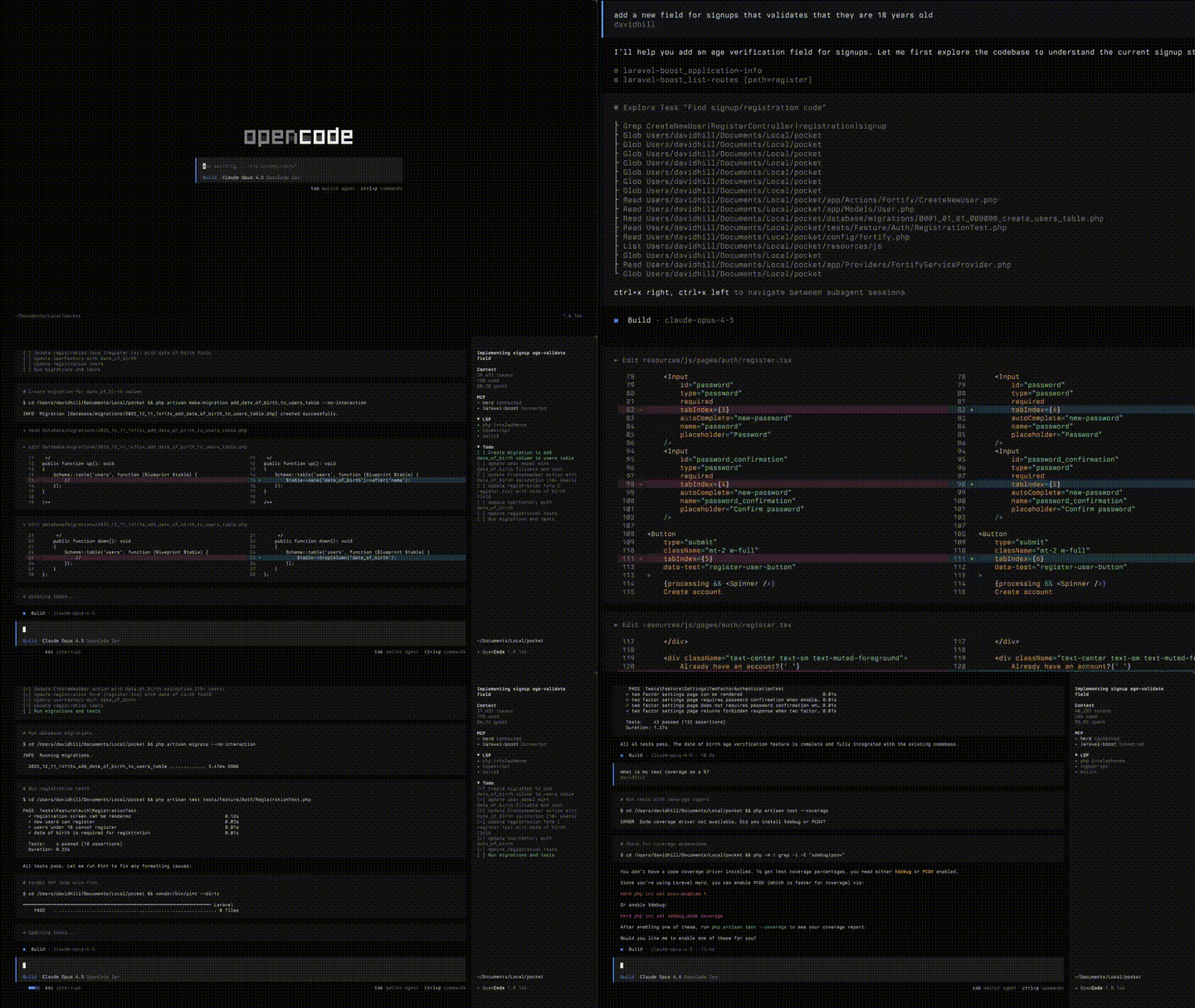
When you run this command, OpenCode starts in an isolated Docker container. You’ll see it connect to your Open WebUI instance, and you can verify that AI Governance is working by watching your GPU utilization increase when the agent makes requests. This visual confirmation proves that all AI processing is happening on your self-hosted infrastructure.
AI Governance Prompt Best Practices
When instructing AI agents under AI Governance, provide clear context about the environment and constraints. The agent needs to understand that it’s running in a Docker container with limited access, which affects what commands it can execute and where it can create files.
Here’s an effective AI Governance prompt:
I need you to create a Flappy Bird-like application.

Important context:
- You are running in a Docker container
- You have access only to /workspace folder
- Use Python with Pygame library
- All files must be created in /workspace
- Document your work clearly
This prompt implements AI Governance by setting clear boundaries. The agent knows its constraints and can work effectively within them, while you maintain complete security control.
Understanding Plan Mode and Build Mode
AI agents like OpenCode typically work in two modes, which is important for AI Governance. In Plan Mode, the agent analyzes your request and creates a detailed plan without executing any commands. This gives you an opportunity to review what the agent intends to do before granting permission. In Build Mode, the agent executes the plan, creating files and running commands within the Docker container.
This two-phase approach enhances AI Governance by giving you a checkpoint before any actual work begins. You can review the plan, adjust it if needed, and then explicitly approve moving to Build Mode. Throughout the process, all actions are contained within the Docker container and limited to the workspace folder.
Prompt used:
I need you create a flappy bird like application 100% in python. Your final work must be placed in the folder /workspace, all the generated code and app must remain there. You are running inside a docker container based on alpine image so you can run any command you need. Please proceed with detailed planVerifying AI Governance Compliance
After the AI agent completes its task, you can verify that AI Governance policies were respected. All generated files should be in the workspace folder, and there should be no attempts to access unauthorized locations.
# Verify all files are in workspace
ls -la ~/ai-governance-demo/workspace

# Review the generated application
cd ~/ai-governance-demo/workspace
python flappy_bird.py
This verification step is the final piece of AI Governance, confirming that the agent operated within boundaries, produced the expected output, and didn’t attempt any unauthorized actions.
Best Practices for AI Governance 🔧
Implementing effective AI Governance requires understanding how the three pillars work together. Self-hosted models ensure data never leaves your infrastructure, providing the foundation of privacy and security. Docker isolation prevents system-level access breaches, creating a sandbox where AI agents can work safely. Folder access control limits the blast radius of any issues, implementing the principle of least privilege. Together, these create a robust AI Governance framework.
When deploying AI Governance in production, always start with the most restrictive permissions and gradually expand as needed. It’s easier to grant additional access than to revoke it after a security incident. Use ephemeral Docker containers (with the --rm flag) to ensure no persistent state accumulates over time. Mount configuration files read-only when possible, and never mount sensitive directories like your home folder or system directories into AI agent containers.
For AI Governance to be effective, your entire team needs to understand and follow these principles. Document your policies clearly, provide examples and templates for common scenarios, and make it easy to do the right thing. When AI agents are properly governed, they become powerful productivity tools rather than security risks.
AI Governance Checklist
Before deploying AI agents in production, verify your AI Governance implementation covers these essential points:
✅ All AI models run on infrastructure you control
✅ AI agents operate in isolated Docker containers
✅ File system access is explicitly limited via volume mounts
✅ Configuration files point to self-hosted infrastructure
✅ Team members understand why AI Governance matters
✅ Procedures exist for monitoring and auditing AI agent activity
Conclusion 🎯
AI Governance is not optional, it’s essential for any organization deploying AI agents like OpenClaw, Claude Code, Cline, or OpenCode. By implementing the three pillars of AI Governance (self-hosted models, Docker isolation, and controlled folder access), you can harness the power of these agents while maintaining complete security control.
The strategies we’ve demonstrated show that AI Governance doesn’t have to be complex. With Open WebUI providing the self-hosted infrastructure (try our free demo at chat.privategpt.es), Docker ensuring isolation, and explicit volume mounts controlling access, you have everything needed for robust AI Governance.
For developers and small teams, these AI Governance principles provide a solid foundation for experimenting safely with AI agents. For enterprises, they represent critical security requirements that protect intellectual property, ensure regulatory compliance, and maintain customer trust. The key is implementing all three pillars together, self-hosted models alone aren’t enough, Docker without access control leaves gaps, and folder restrictions without isolation can be bypassed.
However, implementing production-grade AI Governance at scale requires more than just technical controls. It demands policy development, staff training, compliance documentation, incident response procedures, and continuous monitoring. That’s where expert guidance becomes invaluable.
From Experimentation to Enterprise AI Governance 🚀
While the tools are accessible, enterprise AI Governance requires expertise in compliance with industry regulations (GDPR, HIPAA, SOC 2), integration with existing identity and access management systems, multi-tenant AI deployments with proper segregation, and security audits to validate your implementation.
This is where we come in.
Professional AI Governance for Enterprise 💼
At NeuralNet Solutions, we specialize in enterprise-grade AI Governance solutions:
✅ AI Governance strategy and policy development
✅ Self-hosted AI infrastructure deployment
✅ Docker orchestration for AI workloads
✅ Compliance and security audit support
✅ Custom AI agent development with governance built-in
✅ Staff training on AI Governance best practices
Whether you’re exploring AI agents or deploying them across thousands of employees, we help you implement AI Governance correctly and efficiently.
If you want to implement, scale, or audit AI Governance for your business, let’s talk.
👉 Schedule a free 30-minute consultation: https://cal.com/henry-neuralnet/30min
🌐 Website: https://neuralnet.solutions
💼 LinkedIn: https://www.linkedin.com/in/henrymlearning/
The companies implementing robust AI Governance today will lead their industries tomorrow.
#AIGovernance #AIAgents #OpenClaw #ClaudeCode #OpenCode #Cline #Docker #OpenWebUI #SelfHostedAI #PrivateGPT #EnterpriseSecurity #DataPrivacy #NeuralNetSolutions